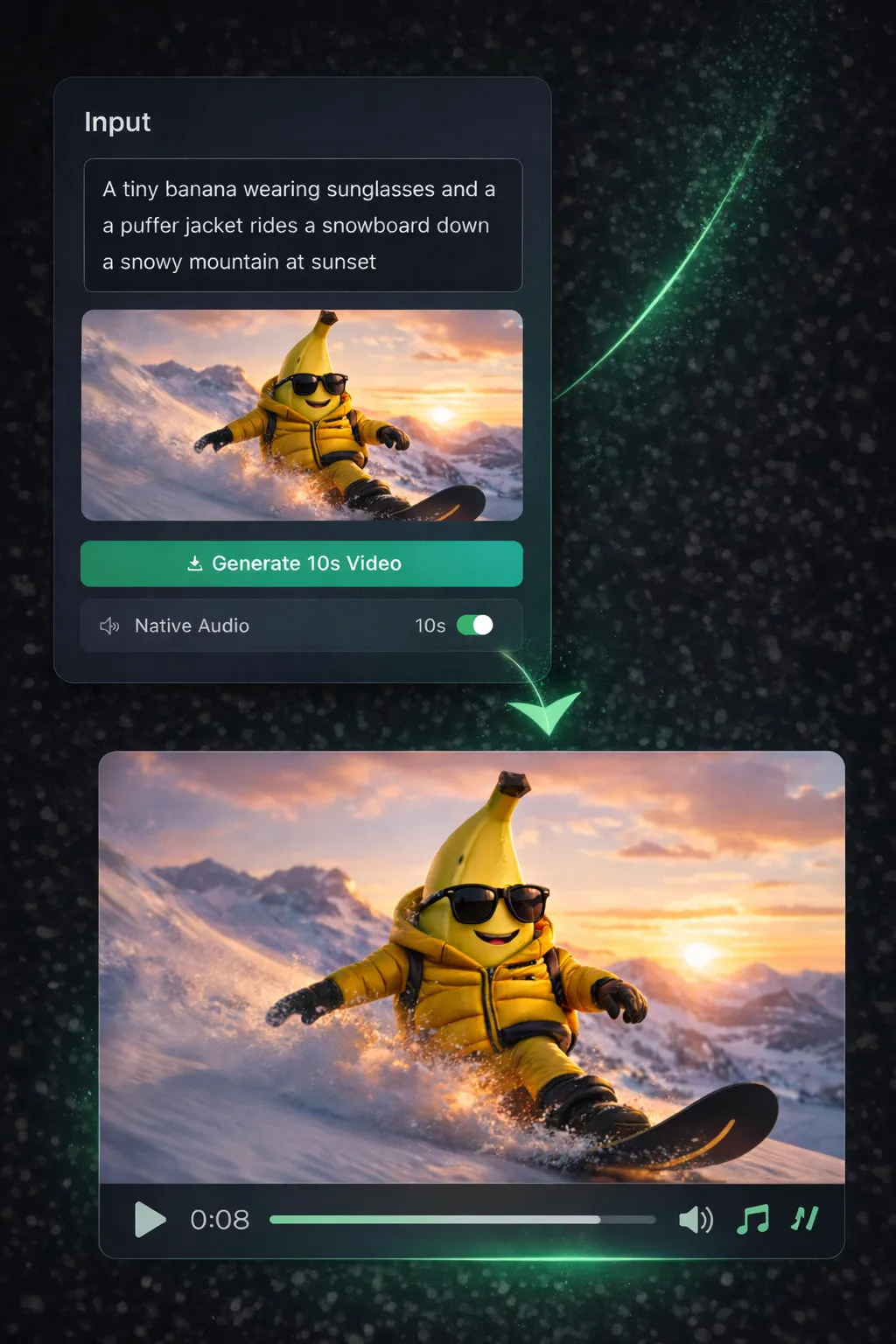
| Getting Started | Import footage, set up timeline, learn keyboard shortcuts. Expect days of tutorials before your first clean edit. | Type what you want or upload an image. AI generates a cinematic video in minutes — zero editing knowledge needed. |
| Source Material | You need raw footage first — that means a camera, lighting, location, and often a crew. | No footage needed. Describe a scene in text, or upload a single still image. AI creates the video from scratch. |
| Sound & Audio | Record separately, sync manually, mix multiple tracks. Audio editing is a skill on its own. | Toggle sound on — AI generates matching audio automatically. Dialogue, ambient noise, sound effects, all in one click. |
| Motion & Camera Work | Manual keyframing for every camera move. Smooth pans and tracking shots require stabilization plugins or gimbal footage. | AI applies professional camera movements automatically — smooth pans, slow zooms, dynamic tracking. Every frame looks intentional. |
| Production Speed | Hours to days for a polished 10-second clip. Every cut, transition, and effect is manual. | 1–5 minutes per video. Describe → generate → download. Queue multiple videos without waiting. |
| Cost | $22.99/mo for Premiere alone — plus stock footage, audio libraries, plugins, and hardware upgrades. | From $9.90/mo. Every feature unlocked from day one — no plugins, no stock footage, no add-ons. |
| Best Use Cases | Feature films, documentaries, broadcast TV, long-form YouTube — projects where manual control matters. | Social media clips, product demos, marketing videos, creative experiments — anything visual, in minutes. |